Getting Started
Here’s what you need to know to start banking online with Rosedale.
Online Banking Setup (Desktop)
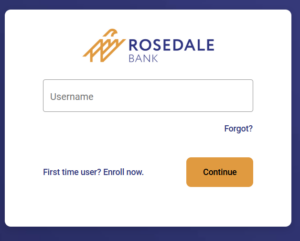
- Type rosedale.bank into your browser and click the Login button in the upper right corner.

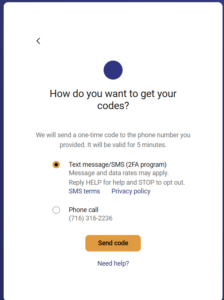
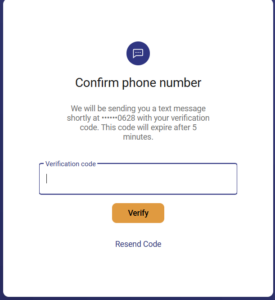
- Already enrolled? Enter Username and click Continue. Then, enter your password and click Sign In. You will receive a text message with your verification code. Enter the code on the “Confirm phone number” screen and click Verify.
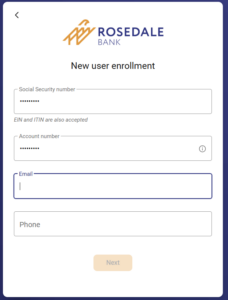
- First time users, click “First time user? Enroll now.” Then, complete the New User Enrollment form.
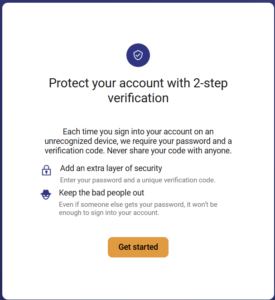
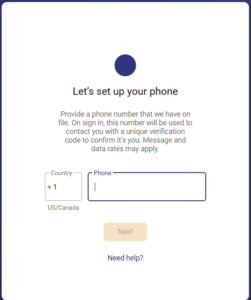
- You will now be prompted to secure your account. Type in your phone number for two-factor authentication. Leave the “Country” field as “+ 1”. Note: The phone number you used to enroll will be used to further authenticate you.


- Enter the verification code that was texted to your phone.
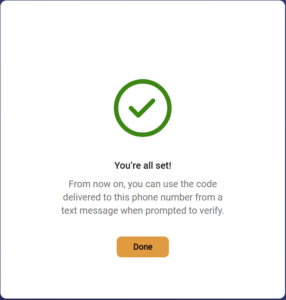
- Click Verify and you’re all set!


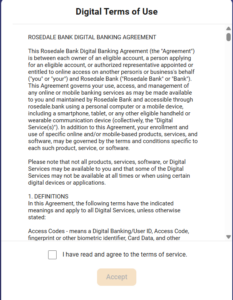
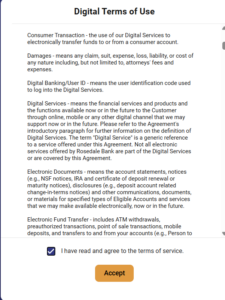
- Review the Digital Terms of Use and click Accept.
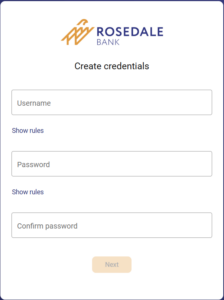
- Finally, you will be prompted to create your login credentials.
- Congratulations! You’re now enrolled in online banking with Rosedale Bank.


Online banking access on mobile device
- Download the Rosedale Bank mobile app from the Apple App Store® or Google Play™ Store.
- Enroll following the instructions listed above to log in for the first time.
- If you are already enrolled, use the same username and password in both our mobile and online applications.
Online bill payment
- Log in to online banking
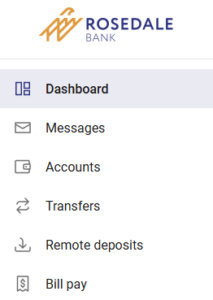
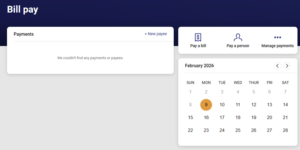
- Click “Pay” on your mobile app* or on your desktop, click ‘Bill pay’ or ‘Pay a bill.’


*In order to pay a bill from the mobile app, you must first enroll in bill pay from a desktop computer.
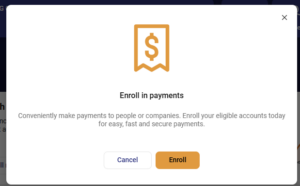
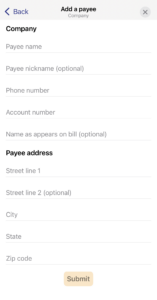
- Once enrolled, you can set up any one-time or ongoing payments to pay a person or pay a business.


We’re here to help.
If you have any questions about your first-time login – or about using Rosedale Bank digital banking – please call 410.668.4400. A helpful Customer Service representative will be available to assist you, 7:00 a.m. to 11:00 p.m. (ET), Monday through Friday, and from 9:00 a.m. until 5:00 p.m. (ET) on weekends and holidays (with the exception of Thanksgiving and Christmas).